Reading Time PC
PC game
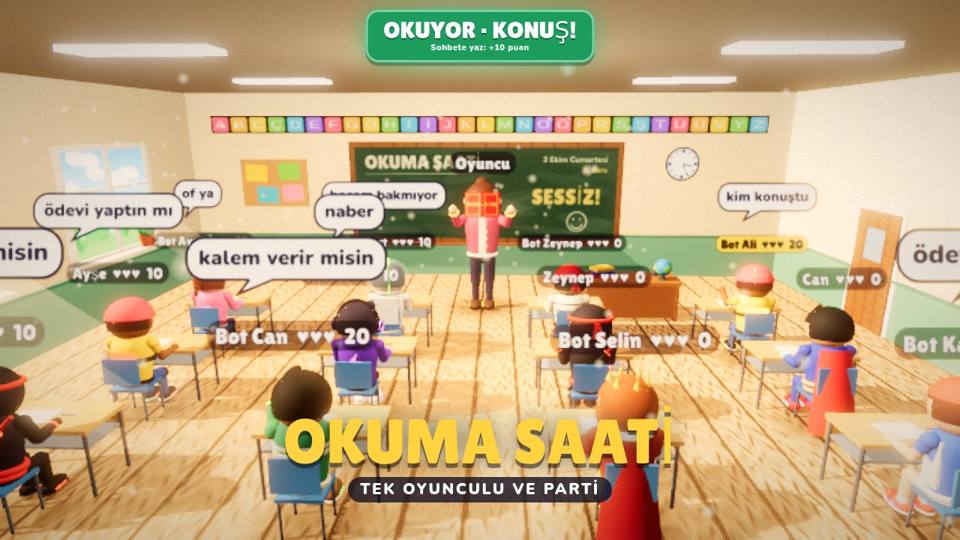
PC game · One-time payment, lifetime license. · Send a purchase request for the price
Red light, green light in the classroom! Talk while the teacher reads to score points, but if the teacher lowers the book and catches you talking, here comes the chalk! Play with bots, compete with friends online in the same classroom, or be the teacher at a party.
- Single-player
- Party
- Join by phone
- Reflex
- 3D
About Reading Time PC
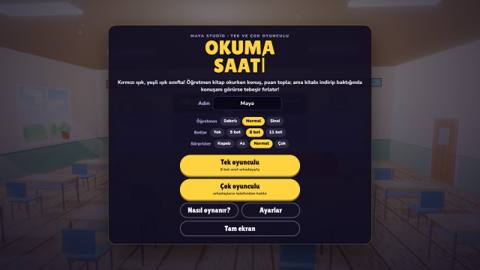
Reading Time, now without TikTok: the teacher reads a book at the front of the class, and the class must stay quiet. In single-player you're a student: while the teacher is behind the book, hold Space to talk and score points. When you hear "Hmm" and the book starts to come down, hush! Get caught talking while the teacher is looking and a piece of chalk comes flying: you lose points and a life, and lose all three and you're sent to the corner. Choose a patient, normal or sneaky teacher; the sneaky one sometimes turns without warning, and sometimes fakes you out. You have book shield, put-the-teacher-to-sleep and tattletale powers.
Online, everyone sits in the same classroom from their own computer (up to 9 players): one creates a room and shares the code, the others type it in to join; bots fill the empty desks, and whoever talks the most and gets caught the least is top of the class.
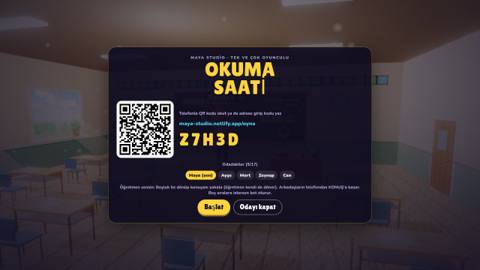
At a phone party, you're the teacher: turn around whenever you like with Space. Your friends take their desks from their phones (room code or QR code, mayaplay.xyz/oyna); their phones show what the teacher is doing, a talk button, a whisper box and power buttons. Your friends don't need to buy the game. One-time payment, lifetime license.
Game modes
- Single player: Play alone on your computer: against bots in party games, or on your own in races and climbs. Surprises and difficulty are set in the main menu.
- Multiplayer: Party mode: you open the game and choose Multiplayer → Create room in the main menu; a room code and a QR code appear. Friends scan the QR code with their phone, or go to mayaplay.xyz/oyna and type the code and their name; their phone screen turns into the game's buttons. Everyone needs to see the screen: connect to a TV if you're together, or share your screen on Discord if you're apart.
Your friends don't need to buy the game; they join from their phones at mayaplay.xyz/oyna.
Screenshots
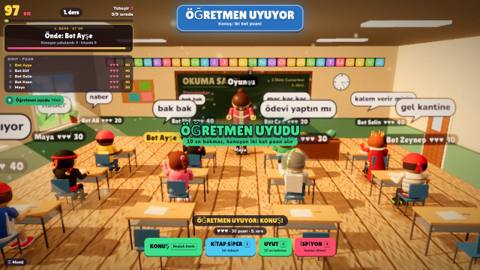
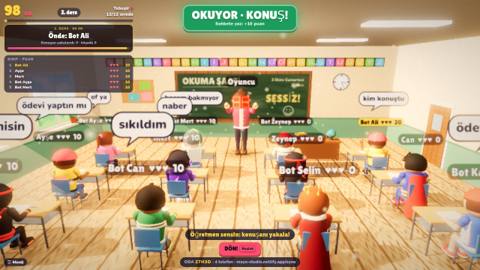
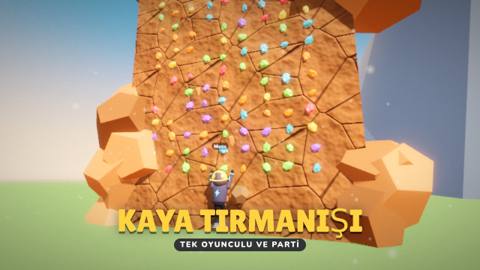 Rock Climb PCPC game
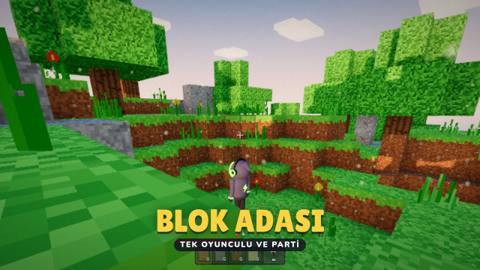 Block Island PCPC game
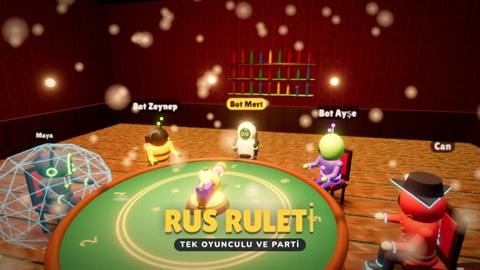 Russian Roulette PCPC game
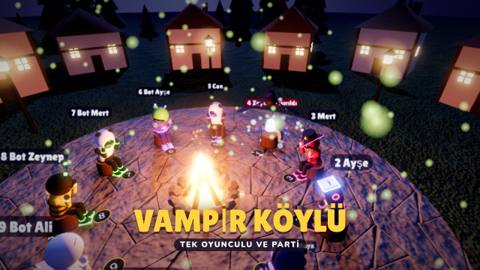 Vampire Village PCPC game
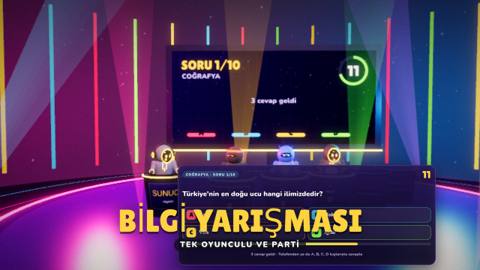 Quiz Show PCPC game
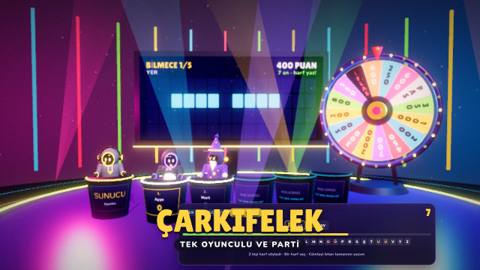 Fortune Wheel PCPC game
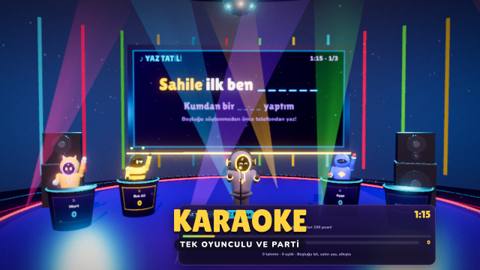 Karaoke PCPC game
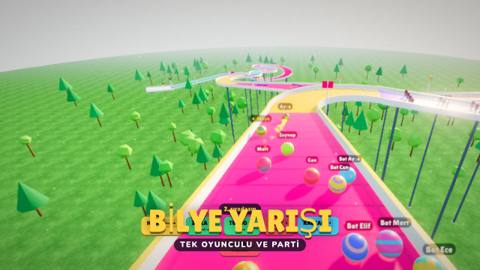 Marble Race PCPC game